Scan your computer for available driver updates, review driver information, and manage compatible device drivers from one convenient application.
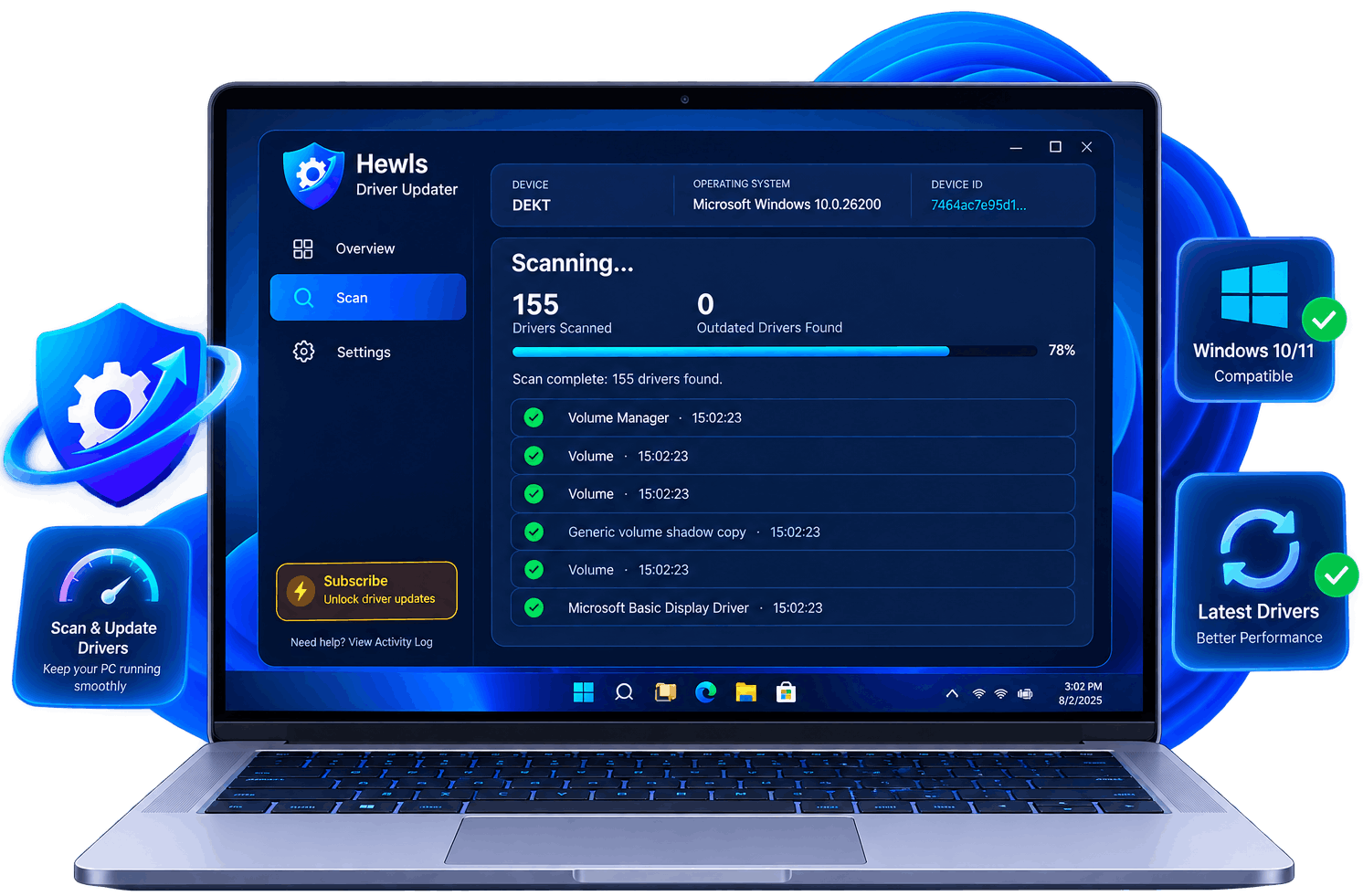
Hewls Driver Updater helps individuals and businesses identify available driver updates and manage device drivers from one convenient place.




Advanced technology built for speed, security and driver compatibility.
Detect outdated, corrupted and missing drivers in seconds.
Install all recommended drivers with a single click.
Download drivers from their manufacturers.
Keep supported device drivers organized and simplify routine driver maintenance.
Access available driver information and updates for supported hardware.
Automatically scan your computer on schedule.
Restore previous drivers whenever necessary.
Get assistance with product installation, driver management and common questions.
Hewls Driver Updater helps identify available driver updates and provides tools for managing compatible device drivers from one place.
Review driver information and available update options before proceeding with an installation.
Create your restore points and driver backups before every update.
Keep compatible device drivers current to help maintain hardware and software compatibility.
Get assistance with product installation, driver management and general product questions.
Download Hewls Driver Updater directly from the Microsoft Store for a fast, and simple installation experience. Receive verified updates, automatic installation, and reliable driver management backed by Microsoft's secure distribution platform.



Hewls Driver Updater is designed for supported desktops, laptops, workstations and gaming PCs, with driver information available for compatible hardware.
NVIDIA • AMD • Intel
Intel • AMD
Realtek • Dolby
LAN • WiFi
Wireless Devices
Printer Devices
USB Controllers
SSD • HDD • NVMe
Integrated & USB
Keyboard • Mouse
Display Drivers
Chipset & Device Drivers
Hewls Driver Updater makes keeping your computer optimized quick, simple, and secure.
Analyze your computer and detect outdated, missing or corrupted drivers.
Review the complete list of outdated drivers found during the scan.
Download drivers directly from their sources.
Install selected driver updates and review the results after completing the update process.
Start with a free scan and discover outdated drivers affecting your computer's performance.
Download FreeKeep your hardware software organized with practical tools designed to help you find, update, back up, and manage compatible device drivers on your Windows PC.