If you no longer need Hewls Driver Updater, you can safely remove it from your Windows computer by following the instructions provided below.
Removing Hewls Driver Updater only uninstalls the application. Your personal files, installed drivers, documents, and other system data will remain unchanged.
Follow these simple steps to completely remove Hewls Driver Updater from your Windows PC.
Press Windows + I to open Windows Settings.
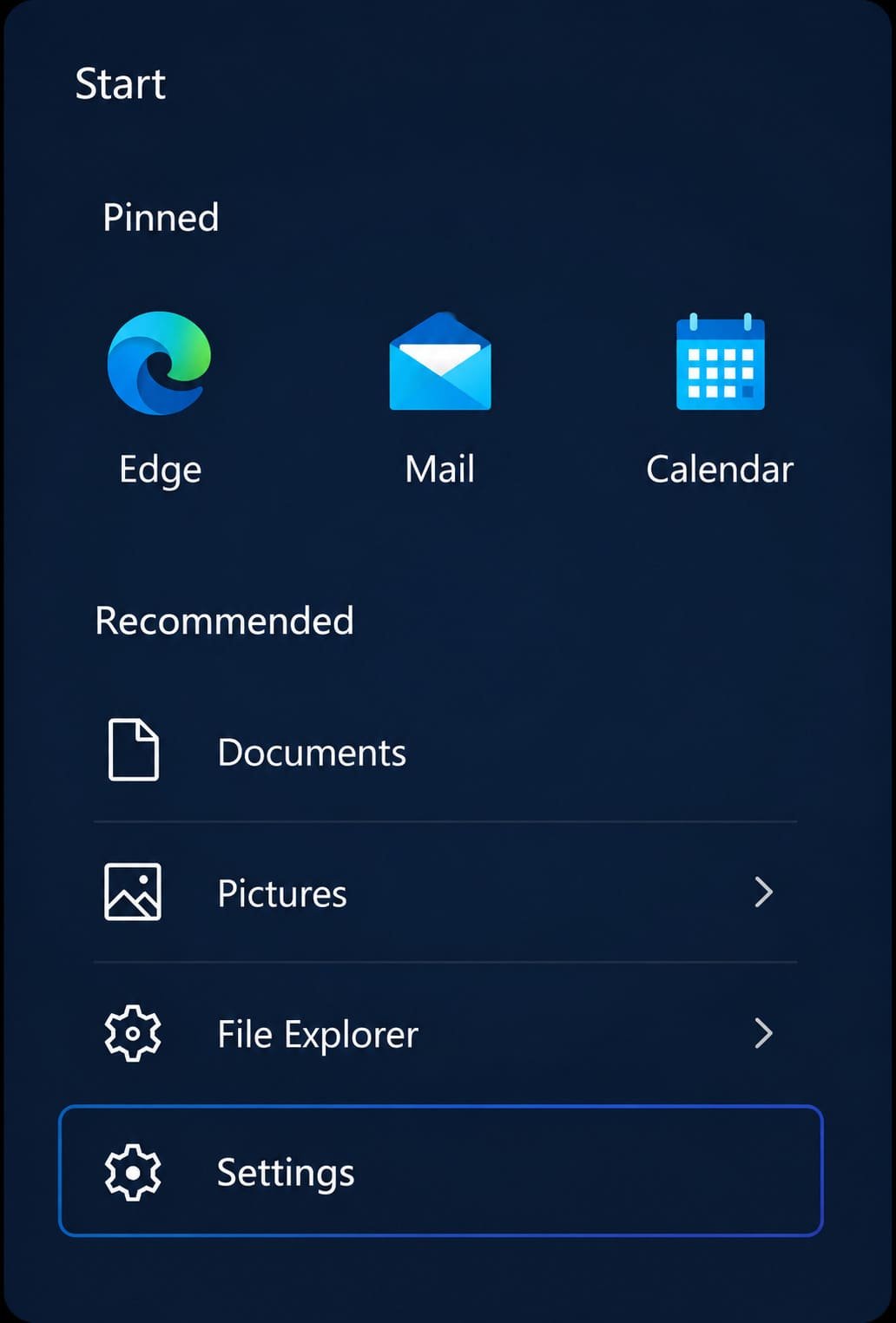
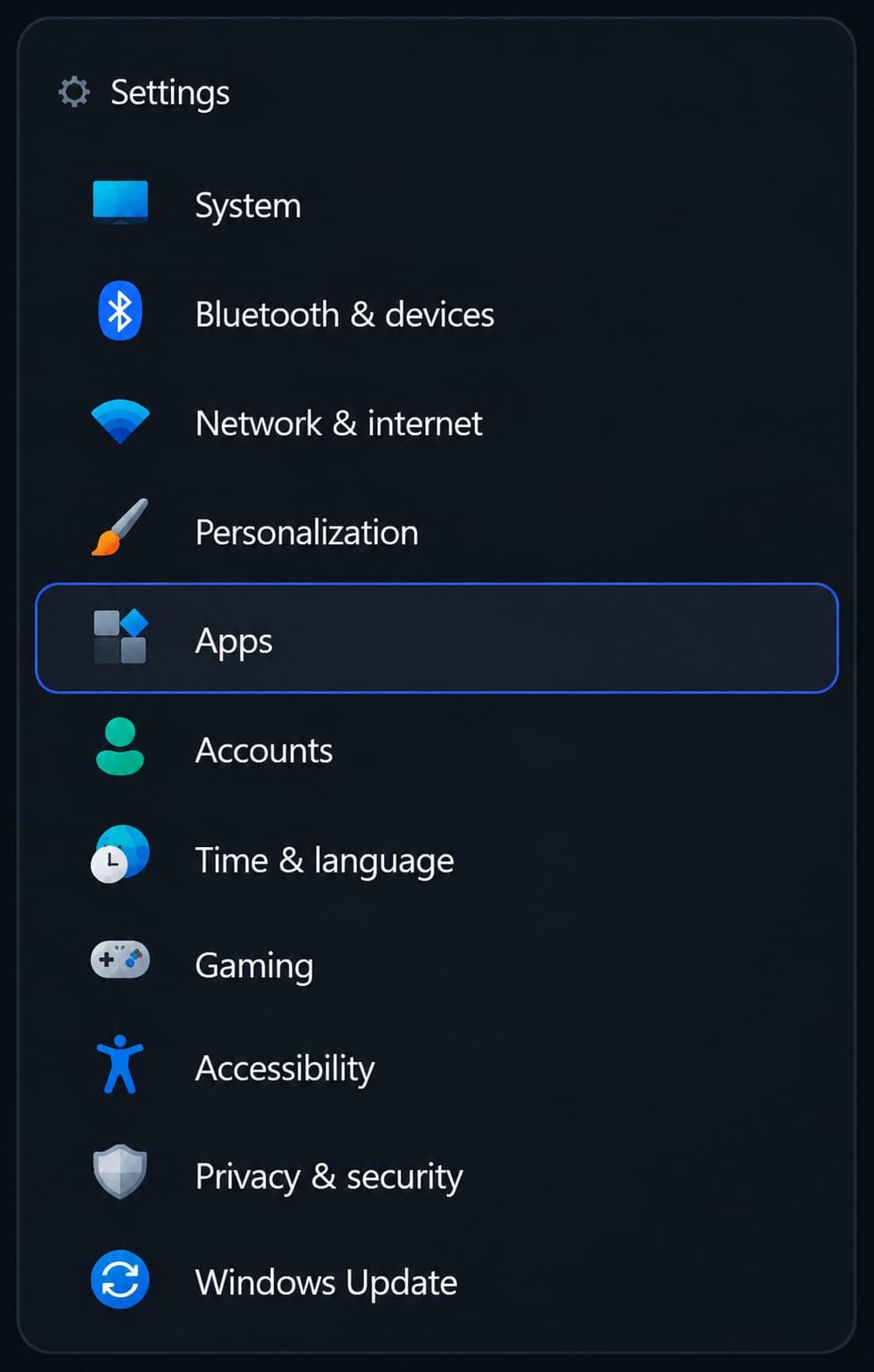
Select the Apps option from the left menu.
Click on Installed Apps or Apps & Features.
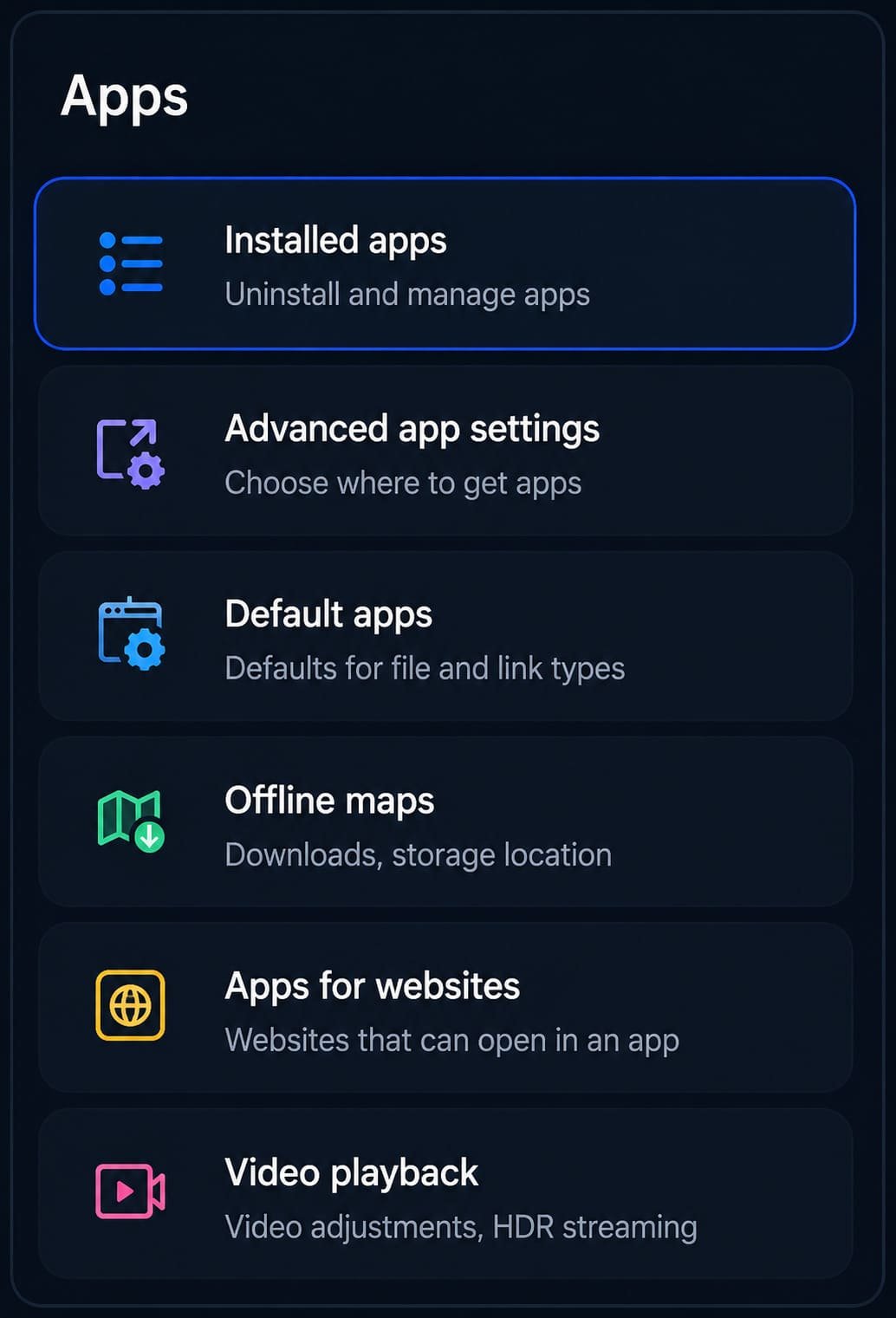
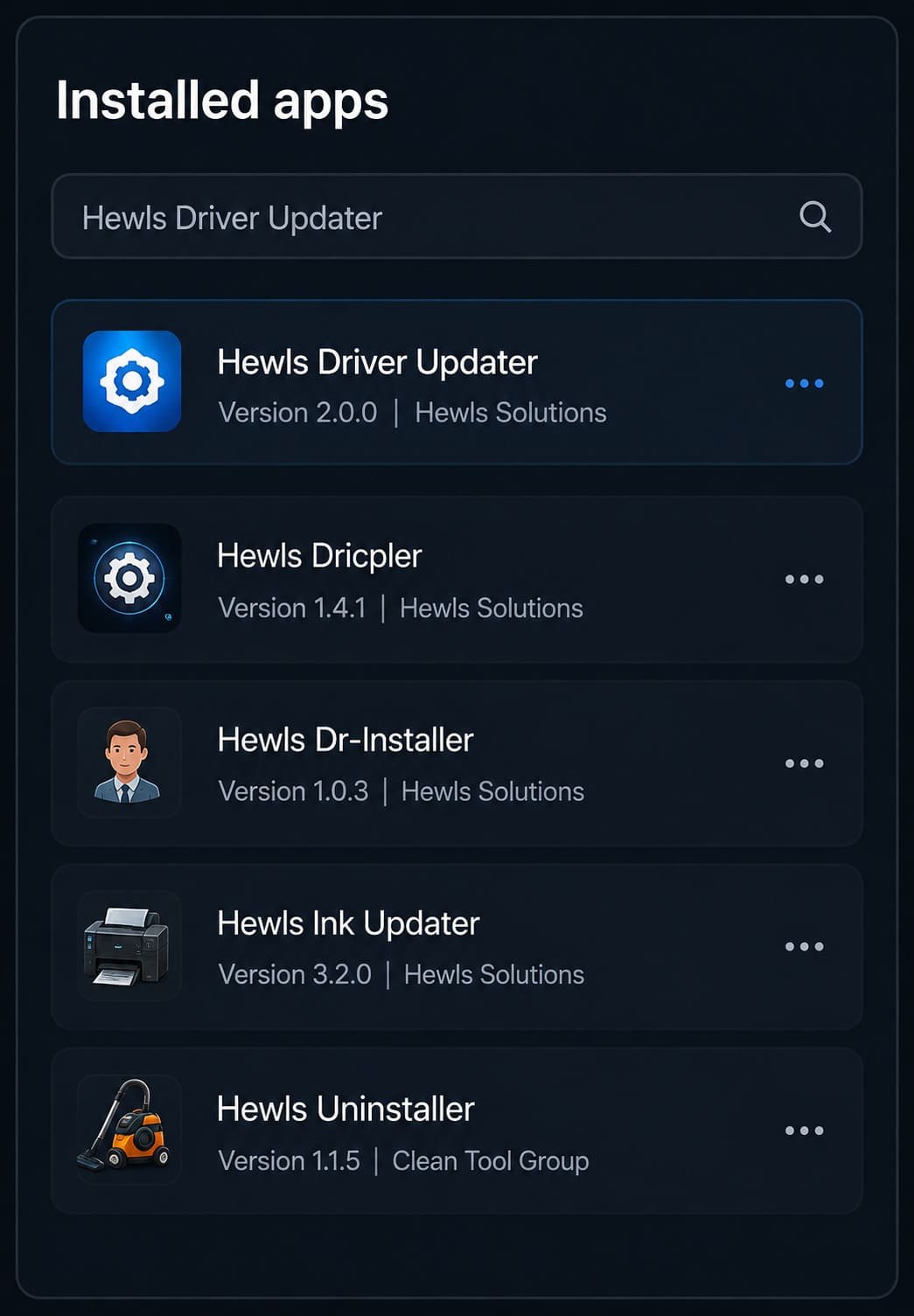
Search for Hewls Driver Updater in the application list.
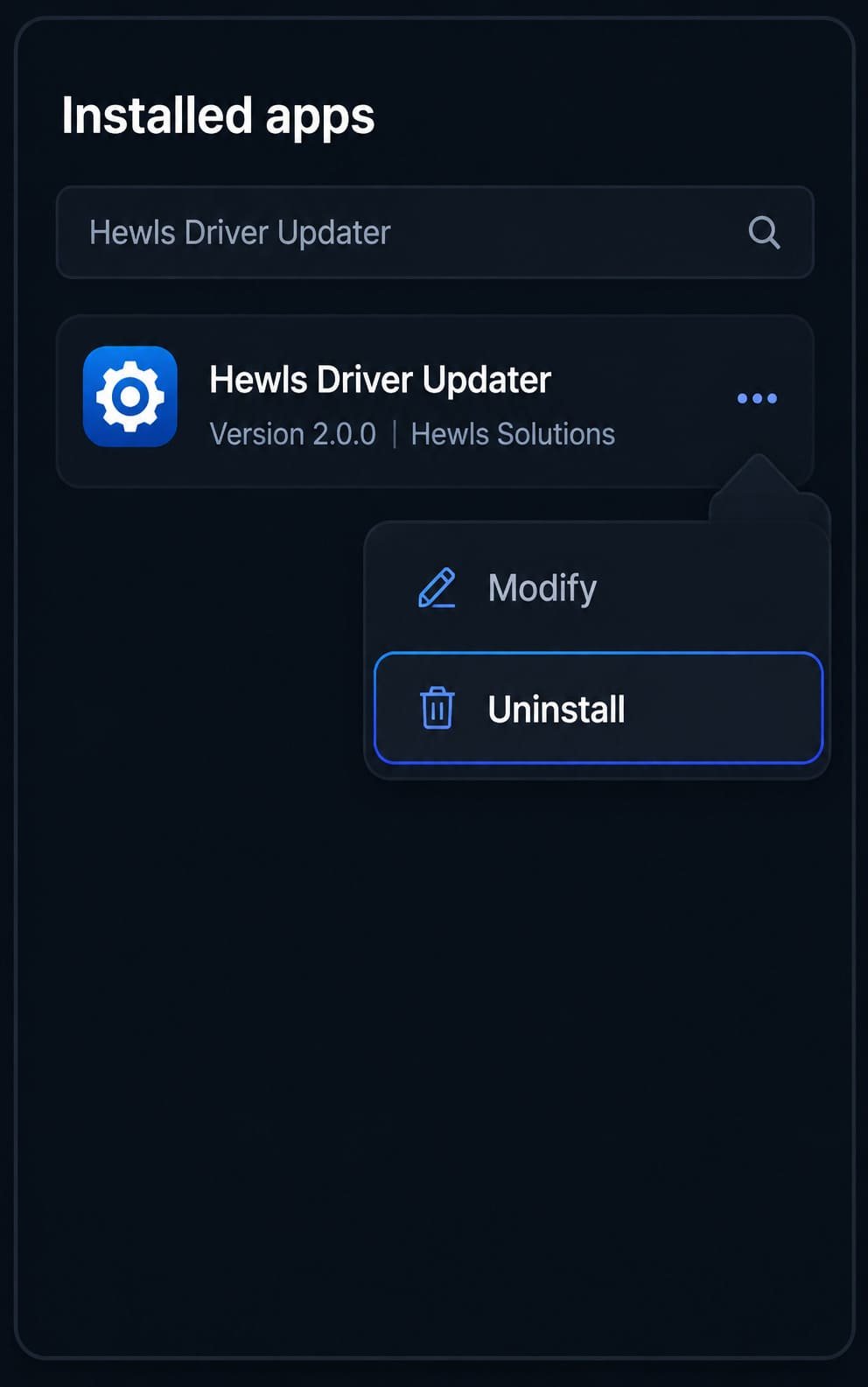
Open the menu and click Uninstall to remove the application.
If you're experiencing issues while removing Hewls Driver Updater, our technical support specialists are available to guide you through every step of the uninstall process.